Create a GitLab Project
Next we are going to create a GitLab project, which will be a repository for our code to live so that their is a backup in the cloud.
- Signup at gitlab.com if you do not already have an account.
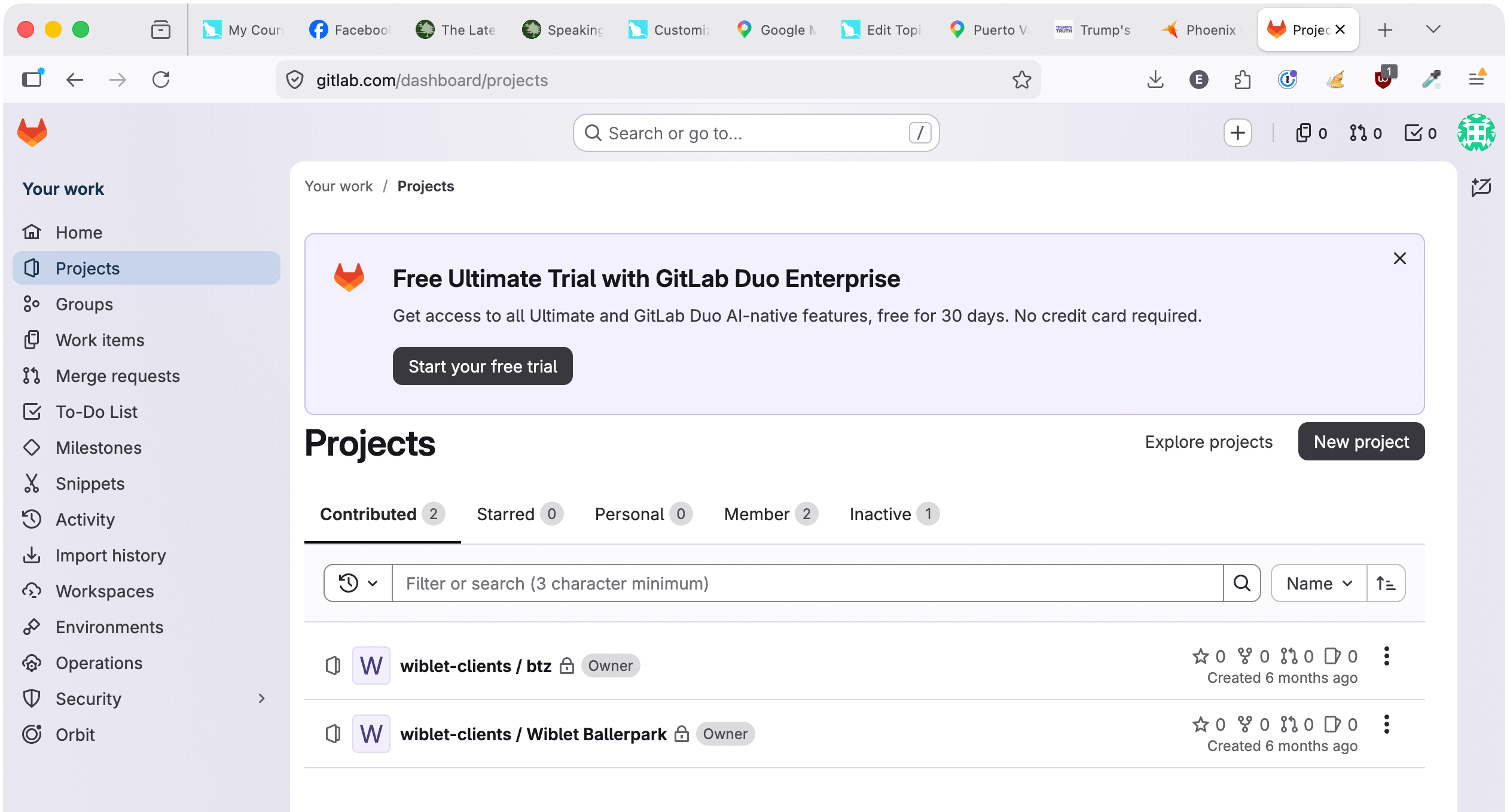
- Create a new project by clicking on the Projects tab in the left sidebar and then clicking on the New Project button.
- Select Create blank project.
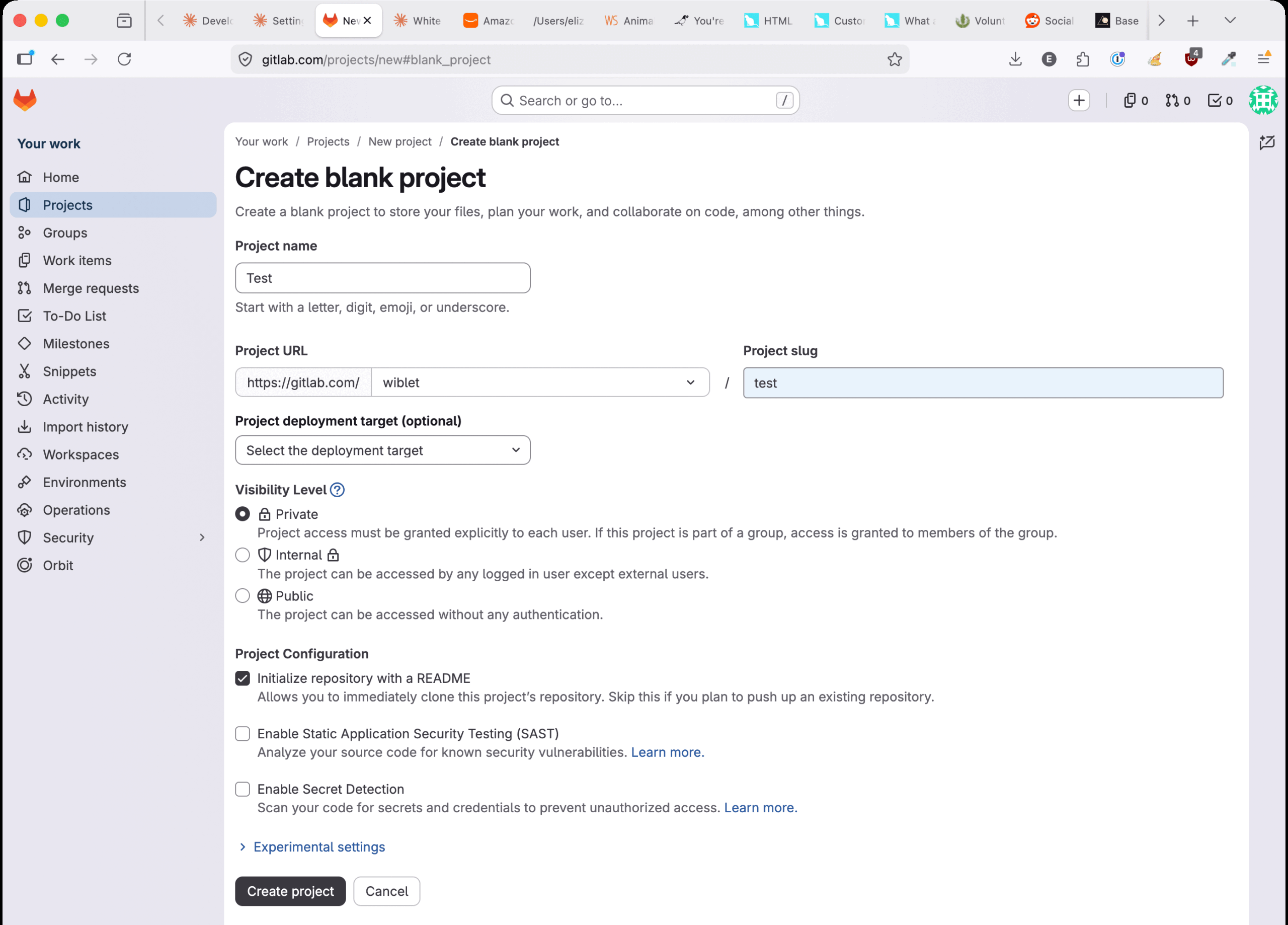
- Give it a name, select a URL and opp for Private, Internal or Public. Then click Create Project.

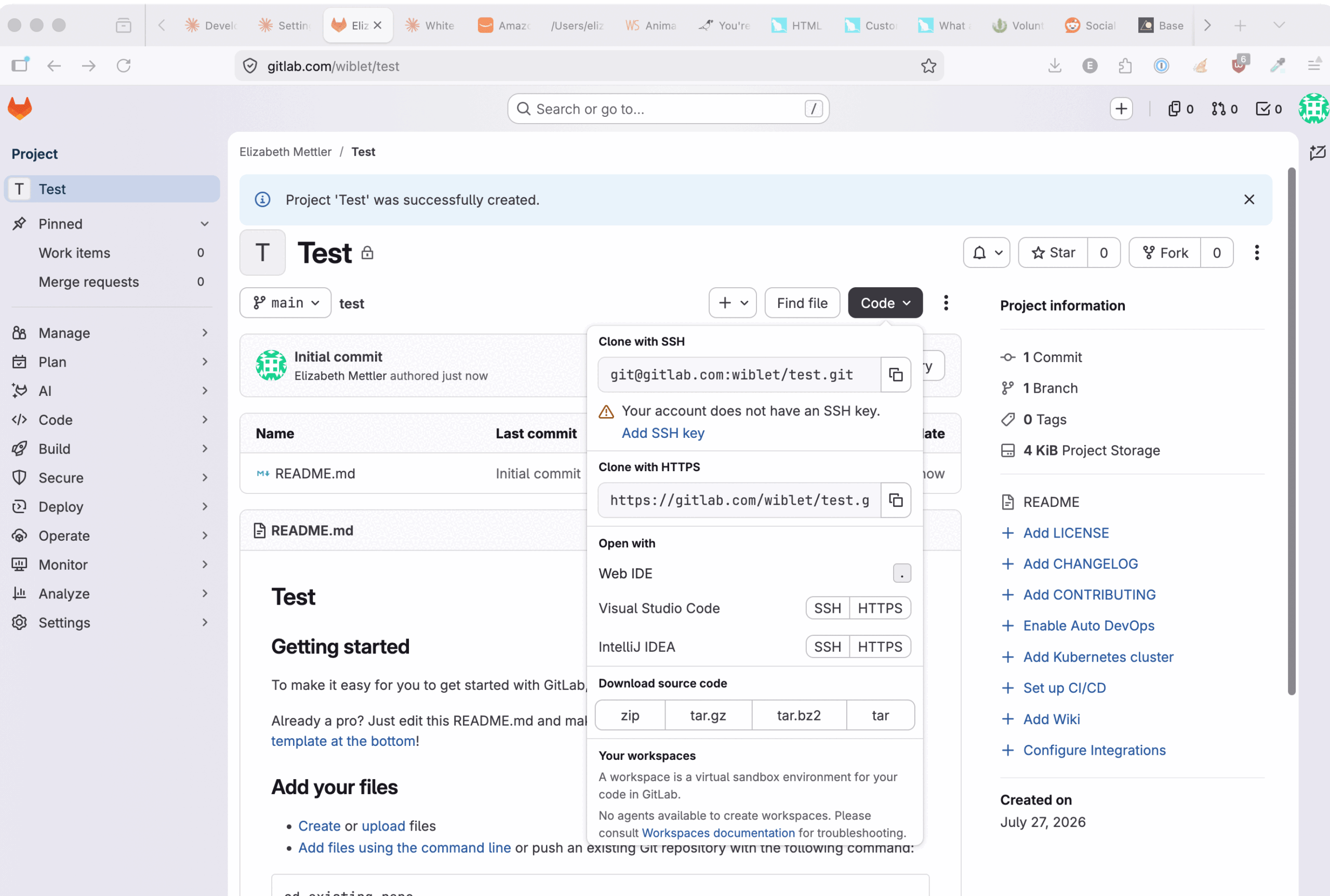
- Click on the Code button and then click on the copy icon next to the URL under Clone with HTTPS
- In the next topic, we will paste that URL into Phoenix Code Editor.